
Owner's Details
Only fill this form if you are the business owner. This information becomes the Chairman's Account — the highest access level on KeUdua.
Verify your email
We sent a 6-digit code to . Enter it below to verify.
Didn't receive it? Resend code
Business Identity
Tell us about your business — what you sell, where you operate.
Store Setup
Add your location(s) and operating hours. Each branch gets its own VID.
Brand & Contact
Upload your logo and tell us how customers can reach you.
Verification & Payout Setup
We use this information to open a dedicated payout account on your behalf, so you can receive your earnings instantly whenever you request a withdrawal — no waiting, no manual processing.
The account name must match the business owner's name or the registered business name.
Upload both photos below. They help us verify your business is real and ready to serve customers.
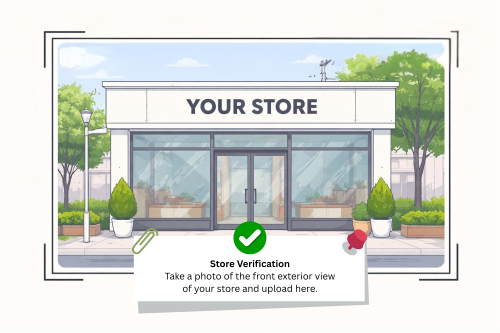
Store Verification. Take a photo of the front exterior view of your store and upload here.
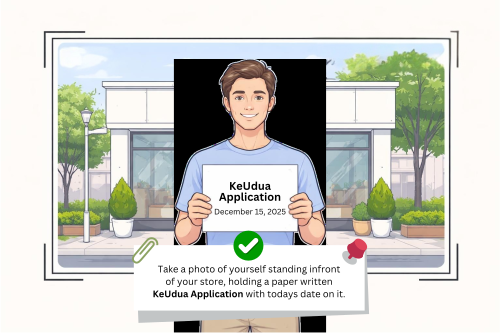
Owner Verification. Take a photo of yourself standing in front of your store, holding a paper written "KeUdua Application" with today's date on it.
Review & Submit
Review your application. Once submitted, our team will verify your documents and contact you within 24 hours.
Application Submitted
Your Merchant VID has been generated. Save this number — it's your permanent identity on KeUdua. Our team will review your application, verify your storefront, and contact you within 24 hours at the email you provided.
Back to KeUdua